Product Photography for Small Brands: Shots That Sell
For a small brand, photographs are not decoration. They are the only part of the product a customer can inspect before they buy. Someone browsing a listing cannot pick the thing up, turn it over, check the weight of the fabric or see how big it really is. Your images have to do all of that, and they have to do it in a few seconds on a phone screen.
That is why product photography is worth planning properly rather than treating as a job for a quiet afternoon with the window light. The good news is that a small brand does not need hundreds of images. It needs the right ones, shot once, exported sensibly and used everywhere.
The core shot list
Almost every product benefits from the same four categories of image. Think of them as jobs rather than pictures.
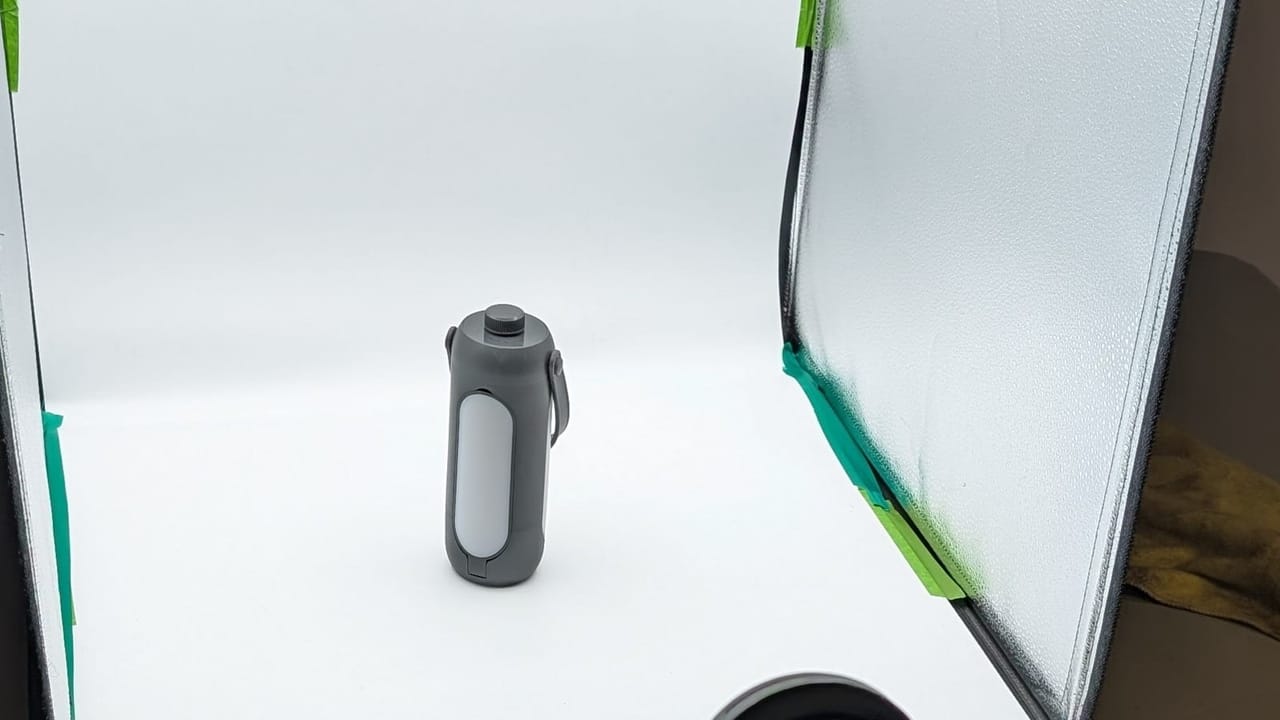
Packshots. The straight, clean, well-lit view of the product on a plain background. This is the image that sits at the top of the listing, appears in search results and shows up in the basket. It needs to be honest about colour, sharp where it matters and uncluttered. Shoot the hero angle first, then work around the product: three quarter view, front, back, top down if relevant. A customer who cannot see the back of a bag will assume there is a reason you hid it.
Detail shots. Close crops that show the things a buyer would check in person. Stitching, grain, closures, clasps, the texture of a glaze, the weave of a fabric, the finish on a cap. Detail shots are where perceived quality lives. They are also the images that reduce returns, because they set accurate expectations about what the customer will receive.
Scale shots. The single most under-used category, and the one that causes the most disappointed unboxings. Dimensions in a spec table do not land the way a photograph does. Put the product in a hand, next to a familiar object, on a shelf, worn on a body. You do not need a ruler in shot. You need one image that makes it instantly obvious whether this candle is tea light sized or the size of a vase.
Lifestyle shots. The product in use, in context, with a person or in a setting that matches the customer you want. These are rarely the best images for explaining what the product is, and they are almost always the best images for making someone want it. Lifestyle work also gives you the raw material for social posts, ads and email headers, where a floating product on white tends to look like a catalogue rather than a brand.
A reasonable target for a single product is one hero packshot, two or three alternates, two details, one scale and one or two lifestyle frames. That is roughly eight to ten images per product, which is a realistic number to shoot well in a session rather than a number you rush through.
White background versus styled sets
The choice is not really either or. It is a question of which job each image is doing.
White or very light grey backgrounds exist to remove distraction. They make colour comparison easy across a range, they keep a grid of products looking tidy, and most marketplaces require them for the primary image. Amazon, eBay and several retail partners have explicit rules about pure white main images with no props, logos or text. If you sell through any third party channel, you need a compliant set whether you like the look or not.
Styled sets exist to add meaning. A surface, a prop, a shadow, a colour backdrop: these tell the customer who the product is for and where it belongs. A ceramic mug on a warm oak table with morning light reads very differently from the same mug on a cool grey concrete slab, and neither is wrong. The decision should follow your brand rather than the current trend.
The practical answer for most small brands is to shoot both in one session. Build the clean set first, get the compliant packshots banked, then move to the styled surfaces with the same products already prepped and to hand. Doing it the other way round tends to mean fingerprints and dust on products that then need retouching.
One warning about styling: props should support the product, not compete with it. If a reviewer has to ask which item is for sale, the set has gone too far.
Planning one shoot for web, ads and social
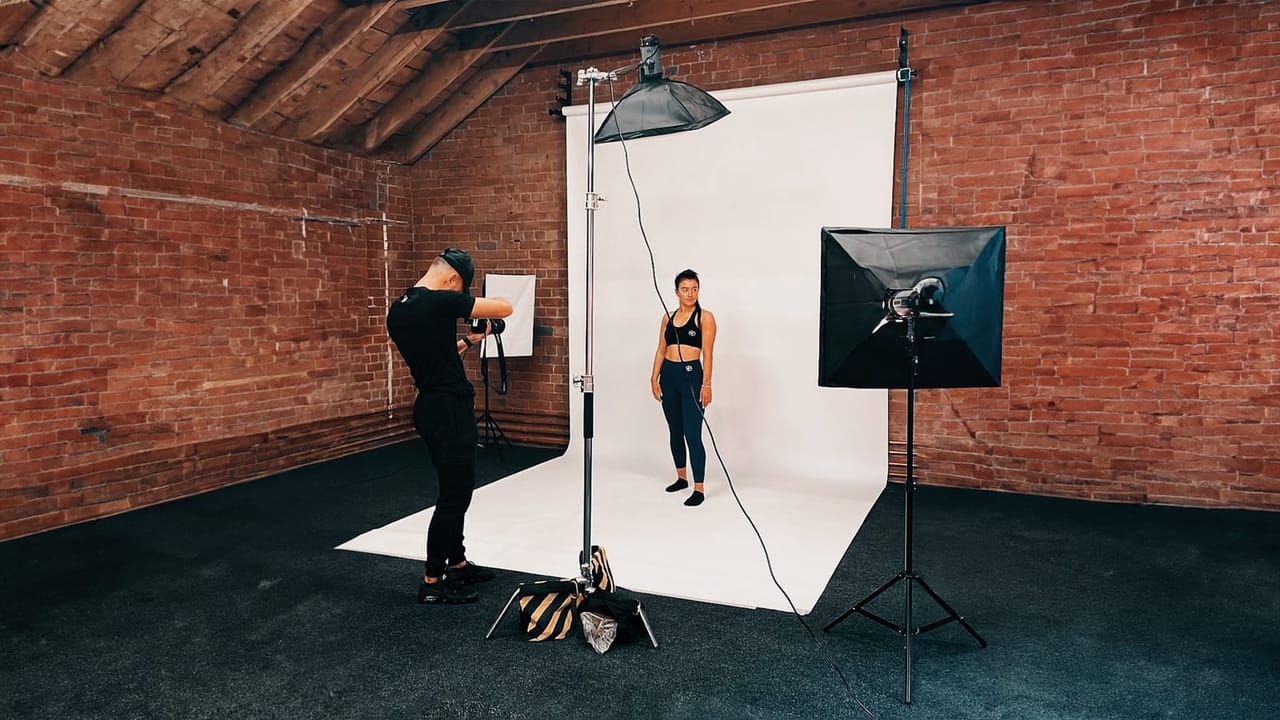
The cost of a shoot sits mostly in setup, not in shutter clicks. Once lighting is built and a product is on set, additional frames are cheap. That is the lever a small brand should pull.
Start from the destinations. Write down every place an image will appear: product listing, category tile, homepage banner, paid social, organic feed, stories and reels covers, email header, trade sheet, packaging insert. Next to each one, note the aspect ratio and orientation. You will quickly see that you need square, vertical and wide versions of broadly the same content.
Then brief the photographer to shoot for crops. If they know a frame needs to work as a 4:5 feed post and a 16:9 web banner, they will leave headroom and negative space so both crops exist inside one capture. Shooting tight and trying to extend the background afterwards is slower and often looks it.
A few other things worth deciding before the day:
- Order of play. Group by lighting setup, not by product. Moving a light costs more time than moving a product.
- Negative space. Ads and banners usually need room for a headline. Ask for at least a few frames with deliberate empty space on one side.
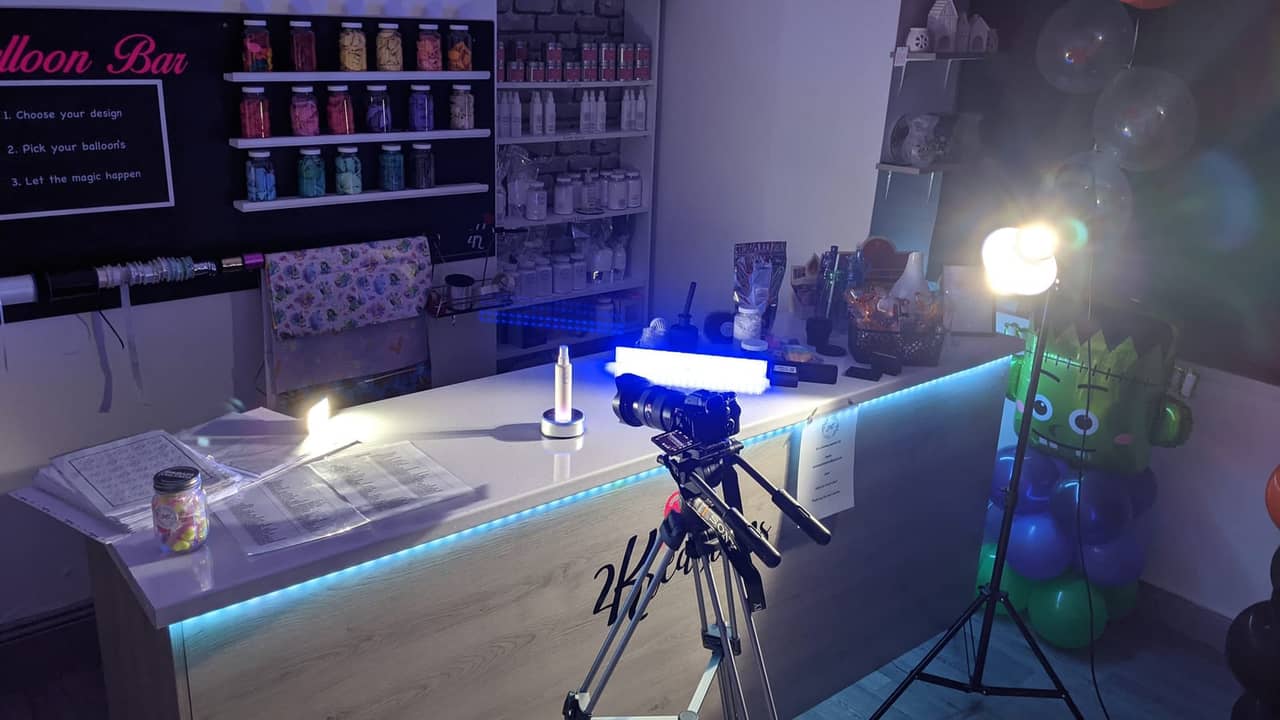
- Video and stills together. If you want short clips for social, say so at the briefing stage. Capturing a ten second rotation or pour while the set is already built is far cheaper than returning for it.
- Variants. Colourways and sizes multiply the shot count quickly. Decide whether every variant needs the full treatment or whether one hero per variant plus a shared detail set will do.
This is also where a clear brief saves money. Bring sketches, references, a list of SKUs and a priority order, so that if the day runs short the images you lose are the ones you cared about least.
Prepping products before the shoot
Retouching is the most expensive way to fix a problem that a cloth and ten minutes would have solved.
Send final production samples wherever possible, not pre-production versions with slightly different packaging or an older label. Check every unit for scratches, dents, crooked labels and glue marks, and send a spare of anything fragile or likely to mark. Glass, chrome, gloss card and black plastic all show fingerprints in a way the human eye forgives and a camera does not.
Steam or press anything made of fabric and keep it on a hanger or in tissue until it reaches set. Remove price stickers and barcodes unless they are part of the design, and peel protective films carefully so they do not leave residue. If the product is food, drink or cosmetics, consider whether you need multiple units: ice melts, foam collapses, cream dries and the first pour is rarely the best one.
Finally, send anything that belongs in shot. Dust bags, cards, ribbons, instruction leaflets, secondary packaging. If a customer receives it in the box, it probably deserves a frame.
File formats and sizes
Think in terms of masters and exports. Masters are the high resolution, uncompressed or lightly compressed files you archive, typically TIFF or layered PSD, which you keep forever and never upload anywhere. Exports are the derivatives sized for a specific destination.
For websites, JPEG remains the safe universal choice, with WebP a good option if your platform supports it and you care about page speed. Use PNG only when you need genuine transparency, for example a product cut out for a banner overlay, because PNG files of photographic content are large. Save sRGB, not Adobe RGB, for anything heading to a browser, otherwise colours can shift.
For dimensions, most platforms want a long edge somewhere in the low thousands of pixels so the zoom function has something to work with. Shopify, WooCommerce and the major marketplaces all publish their current requirements, so check them at briefing stage rather than after delivery. Marketplaces tend to be stricter than your own site: minimum pixel dimensions, maximum file sizes, white background rules and limits on text or logos in the primary image.
A last point on naming. Deliver files with a consistent convention that includes SKU, shot type and variant, something like SKU1234_packshot_front_navy.jpg. It costs nothing at export and saves hours when you are uploading a hundred images or handing the library to an agency a year later.
Shots that do the selling
Treat your images as a small, reusable asset library rather than a one off expense. A properly planned day gives you listing images that comply, detail shots that cut returns, lifestyle frames that fill a quarter of social content and crops that drop straight into ads without a redesign. That is a much better return than three separate rushed shoots across a year.
If you want to talk through a shot list for your range, or see how a single day can be built to cover web, ads and social, take a look at our approach to product photography from Flexxed or browse the wider photography services to find the right starting point.
Questions
Frequently Asked Questions
How many images does a product listing actually need?
Most sites and marketplaces display between five and eight images per product. A sensible default is one clean packshot, two or three alternate angles, one or two detail crops, one scale shot and one lifestyle image. Beyond that you tend to get diminishing returns unless the product is complex or has many variants.
Should I shoot on white or in a styled set?
Both, and usually in the same session. White background shots do the practical work of showing the product clearly and meeting marketplace rules. Styled or lifestyle shots do the persuading in ads, social and on your homepage. The two jobs are different, so one set of images rarely covers them well.
Can one shoot really cover web, ads and social?
Yes, if it is planned that way from the start. The constraints are crop ratios and orientation rather than time. If the photographer knows up front that you need square and vertical versions, they can frame with space around the subject so a single setup yields several usable crops.
What file format should I use for product images on my website?
Keep high resolution TIFF or PSD masters in your archive, export JPEG or WebP for the live site, and use PNG only when you genuinely need transparency. Most marketplaces specify JPEG, and most site platforms will convert and resize uploads automatically if you give them a large enough original.
How should I prepare products before a shoot?
Send clean, undamaged, final-packaging samples that have not been handled. Steam fabrics, remove price stickers, clean glass and metal, and include any accessories or props that belong in shot. Preparation done before the shoot day is far cheaper than retouching afterwards.